
iPad vs laptop for work is one of the most important decisions for anyone looking to maximise productivity today. In this guide, AU Review breaks down the key differences to help you choose the right device for your workflow.
iPad vs laptop for work in the modern workplace
The modern workplace demands flexibility, speed, and seamless multitasking, making the iPad vs laptop for work debate more relevant than ever. As remote work and hybrid setups become the norm, users need devices that can keep up with both mobility and performance.
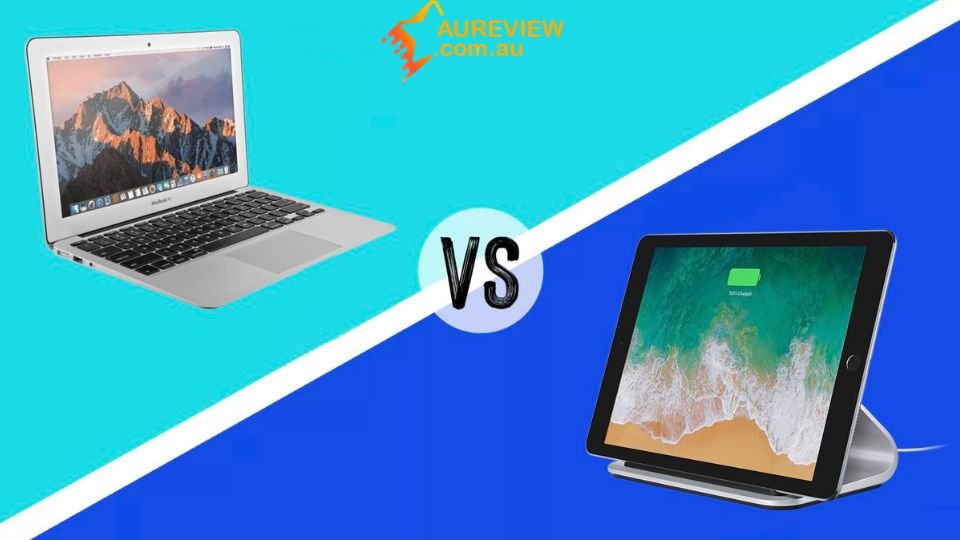
Both iPads and laptops offer powerful capabilities and versatile use cases, but they serve different working styles. Instead of asking which is better overall, the key is understanding which device fits your workflow, whether it’s productivity, creativity, or everyday tasks.
Key differences between ipad and laptop
Understanding the core differences in the iPad vs laptop for work comparison helps you choose the right device for your needs:
- Operating system: iPads use iPadOS, designed for touch interaction and simplicity, while laptops run full desktop systems like Windows or macOS, offering more control and flexibility.
- Performance and hardware: Laptops generally handle heavy workloads better, such as programming, large data processing, and advanced multitasking, while iPads can be limited by software constraints.
- Input experience: iPads rely on touch, Apple Pencil, and optional keyboards, making them ideal for creative and note-taking tasks, whereas laptops provide built-in keyboards and trackpads suited for long typing sessions.
- Multitasking capabilities: Laptops deliver smoother multitasking with multiple windows and apps, while iPads still have limitations in more complex workflows.
- Software compatibility: Laptops support a wider range of professional applications, while iPads depend on mobile-optimised apps that may lack full features.
- PC replacement potential: Laptops remain the more complete replacement for traditional computers, while iPads are better suited for lightweight and flexible tasks.
Performance for work and multitasking
When evaluating the iPad vs laptop for work, performance and multitasking are key factors that directly affect how efficiently you can handle daily tasks and complex workflows.
Laptop multitasking performance
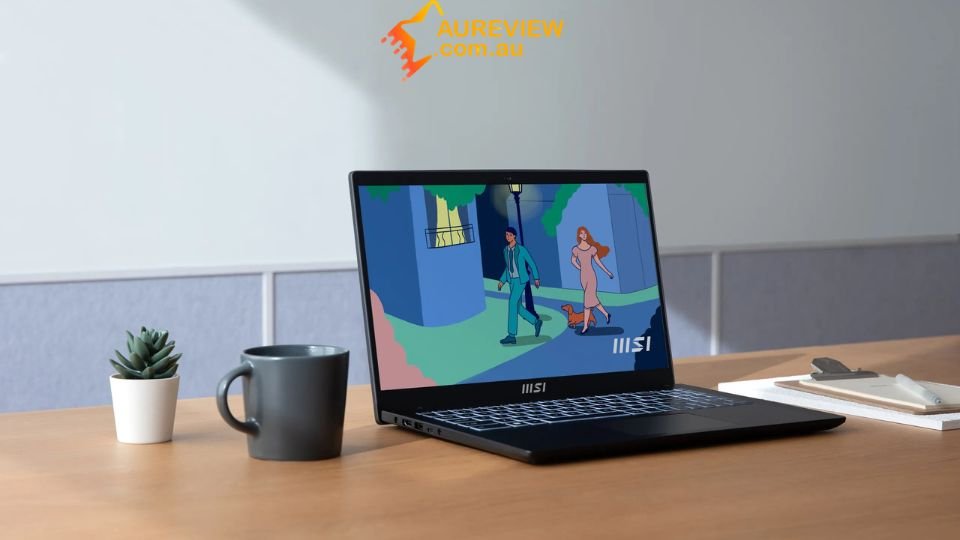
Laptops are built for heavy multitasking, allowing you to run multiple applications, browser tabs, and background processes at the same time without major slowdowns. This makes them highly suitable for professional tasks like data analysis, project management, and coding, where switching between tools is constant.
iPad multitasking limitations
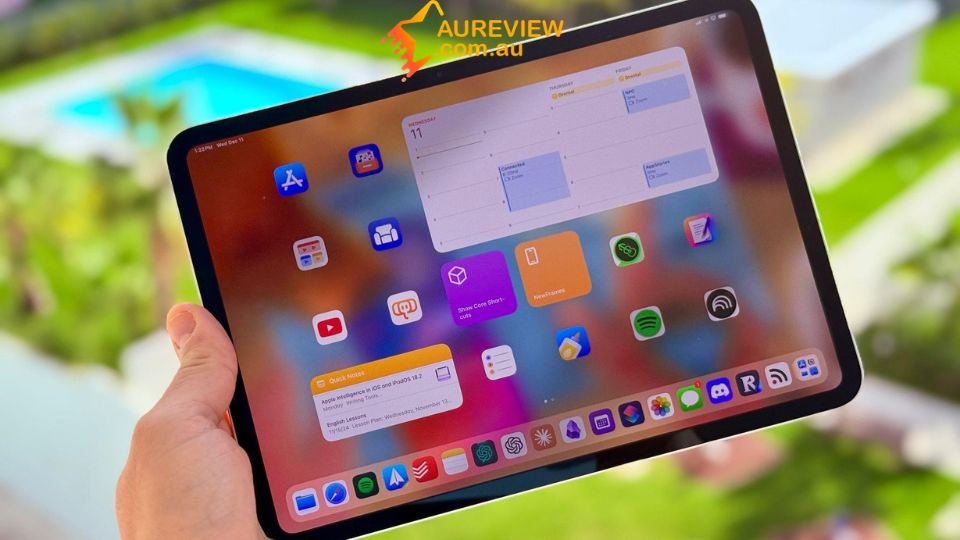
iPads offer multitasking features such as Split View and Stage Manager, but the experience is still more limited compared to laptops. Running several apps at once or managing complex workflows can feel less fluid, especially when tasks require frequent switching and interaction between apps.
Performance with heavy applications
For demanding applications like advanced spreadsheets, programming tools, or professional design software, laptops provide better performance and full functionality. iPads can handle lighter workloads and creative tasks well, but mobile-optimised apps often lack the depth needed for more intensive professional use.
Portability and Battery Life
Portability is where the iPad vs laptop for work comparison becomes more noticeable, especially for users who are constantly on the move. iPads are lightweight, compact, and easy to carry, making them ideal for quick tasks, note-taking, and working in flexible environments like cafés or classrooms.
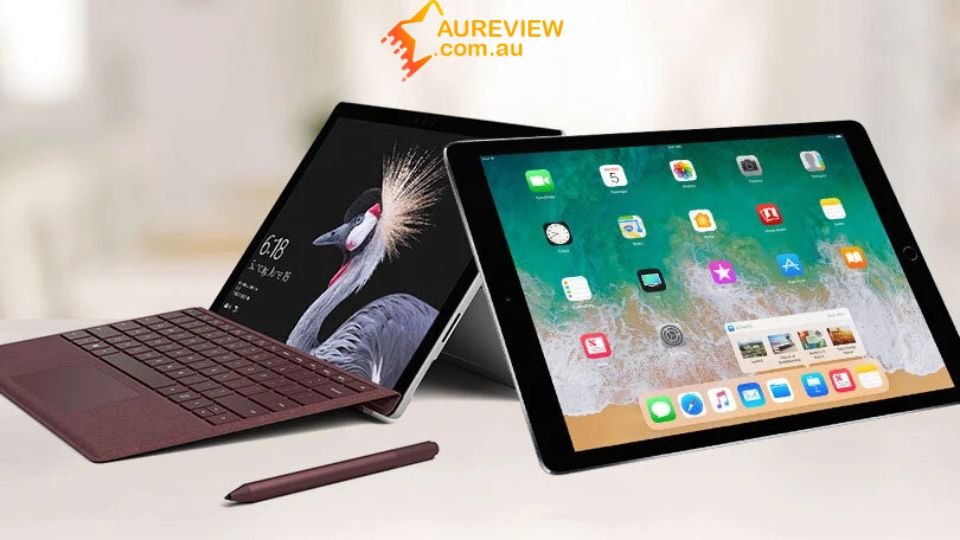
Laptops, while generally heavier, offer a more complete working setup for students and office users who need consistent performance. In terms of battery life, iPads often last longer in light usage, but modern laptops have significantly improved, providing all-day power for more demanding tasks.
Software compatibility and ecosystem
Laptops provide access to full desktop applications, making them a strong choice for professional work such as programming, advanced Excel tasks, and design software. Users can install and run a wide range of tools without major limitations, which is essential for handling complex workflows and specialised tasks.
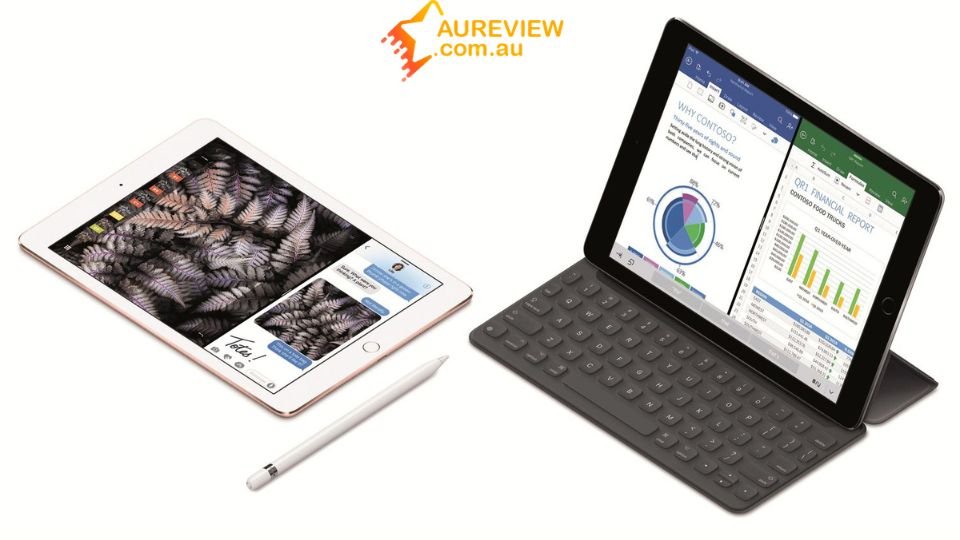
iPads rely on mobile-optimised apps that are intuitive and easy to use but may lack advanced features compared to desktop versions. However, within the Apple ecosystem, iPads connect seamlessly with devices like Macs and iPhones, while laptops offer broader compatibility across different platforms and working environments.
Best use cases and value for money comparison
Choosing between devices depends not only on how you work but also on how much value you get for your investment over time.
|
Use Case / Factor |
iPad |
Laptop |
|
Students |
Great for note-taking, reading, and portability |
Better for research, assignments, and multitasking |
|
Freelancers |
Ideal for writing, light design, and flexible work |
Stronger for complex projects, multitasking, and software use |
|
Business users |
Suitable for meetings, emails, and quick tasks |
More efficient for documents, spreadsheets, and long workflows |
|
Creative work |
Excellent for drawing, photo editing, and touch-based tasks |
Better for video editing and advanced creative software |
|
Price range |
Lower starting price but increases with accessories |
Wider price range with more performance options |
|
Accessories cost |
Keyboard, stylus, and extras can add significant cost |
Usually includes essential input tools |
|
Long-term value |
Best for light, flexible use |
Better investment for heavy and long-term professional work |
Try your luck with Cheer
If you’re still deciding between devices, you can take a more exciting approach by exploring Cheer’s Mystery Boxes. Start with the Tech Luxe category and try your luck for a chance to win premium devices that perfectly fit your work and productivity needs.

From premium tablets to powerful laptops, these rewards can boost your daily productivity without the need to pay the full upfront cost. It’s a unique way to experience top-tier tech while discovering what truly suits your working style when exploring Cheer.
Conclusion
In the end, the iPad vs laptop for work decision comes down to your specific needs and workflow. Whether you prioritise portability or full performance, choosing the right device will maximise your productivity. For more expert insights and comparisons, AU Review helps you make smarter tech decisions.