
Choosing between a MacBook vs Windows laptop can be challenging, especially with so many powerful options available in 2026. In this guide by AU Review, we break down performance, battery life, and real-world usability to help you make the right decision. Discover which device truly fits your needs and budget.
MacBook vs Windows laptop: What really matters in 2026
In 2026, the MacBook vs Windows laptop comparison goes beyond specs, focusing on real-world performance, battery efficiency, and overall user experience. Apple’s ecosystem delivers seamless integration, while Windows laptops stand out with versatility and broader hardware choices.

Understanding these differences is key to avoiding the wrong purchase. Whether you need a device for study, work, or creative tasks, this comparison highlights what truly matters before making a decision.
Design, build quality and user experience
When comparing the MacBook vs Windows laptop, design and daily usability play a crucial role in long-term satisfaction. Beyond aesthetics, factors like build quality, input devices, and display significantly impact your overall experience.
MacBook design philosophy and premium feel
Apple maintains a consistent, minimalist design with aluminium unibody construction that feels solid and durable. MacBooks are known for their premium finish, slim profile, and attention to detail, making them a top choice for users who value aesthetics and reliability.

Windows laptop variety and flexibility
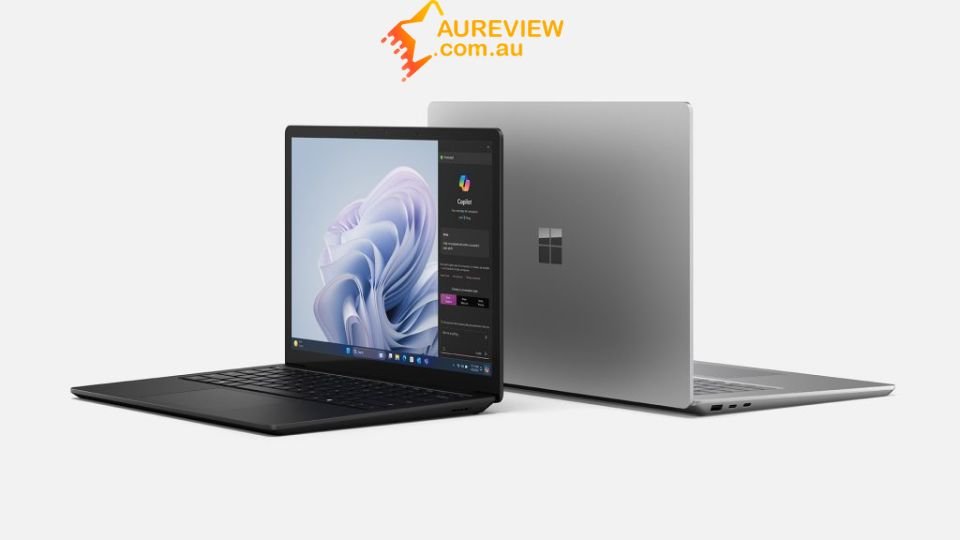
Windows laptops come in a wide range of designs, from ultra-thin models to gaming machines and 2-in-1 convertibles. This flexibility allows users to choose devices that match specific needs, budgets, and styles, though build quality can vary significantly between brands.
Keyboard, trackpad and display differences
MacBooks offer industry-leading trackpads and highly optimised keyboards, delivering a smooth and consistent typing experience. In contrast, Windows laptops vary widely, with some premium models matching or exceeding MacBook quality, especially in high-refresh-rate displays and touchscreen support.
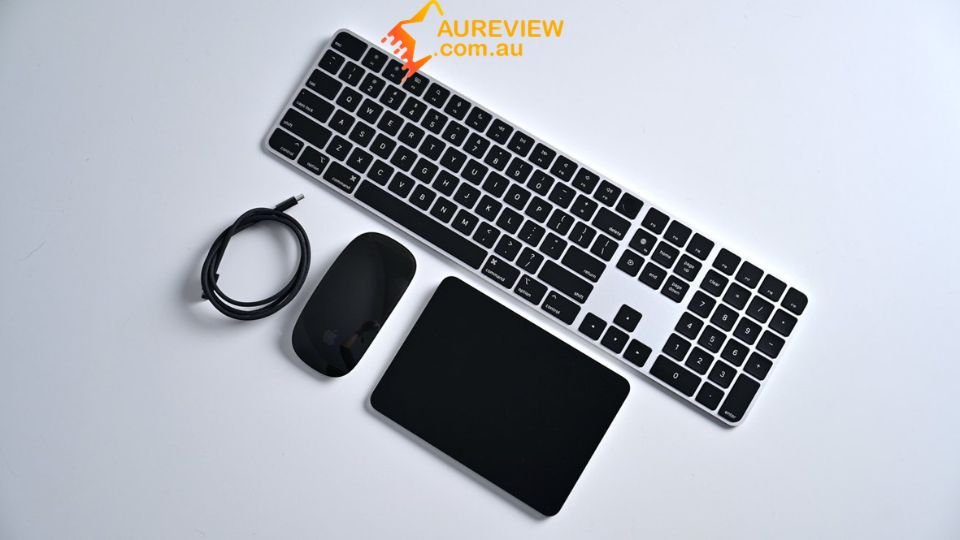
Performance comparison: macOS vs Windows Power
When evaluating the MacBook vs Windows laptop, performance is one of the most critical factors, especially for demanding tasks like programming, design, and multitasking.
|
Criteria |
MacBook (macOS) |
Windows Laptop |
|
Processor Architecture |
Apple Silicon (M1, M2, M3) delivers high efficiency and strong single-core performance |
Intel & AMD offer wider options, including high-end multi-core CPUs for heavy workloads |
|
Multitasking Performance |
Smooth and optimised due to tight hardware-software integration |
Strong multitasking, but depends on RAM and system optimisation |
|
Rendering & Creative Work |
Excellent for video editing, design, and media tasks (Final Cut, optimisation) |
Preferred for 3D rendering, CAD, and software requiring GPU power |
|
Programming & Development |
Ideal for web, iOS, and Unix-based development environments |
Better for .NET, game development, and broader software compatibility |
|
Thermal Management |
Efficient cooling, often quieter under load |
Can run hotter depending on hardware and laptop design |
|
Upgradeability |
Limited (RAM/SSD usually fixed) |
More upgrade options in many models |
Battery life and portability
Battery life and portability are key deciding factors in the MacBook vs Windows laptop comparison, especially for students and professionals who work on the go.
MacBook battery optimisation advantage
MacBooks powered by Apple Silicon are highly energy-efficient, delivering long battery life even under demanding workloads. Thanks to tight integration between hardware and macOS, users can expect consistent all-day usage without significant performance drops.
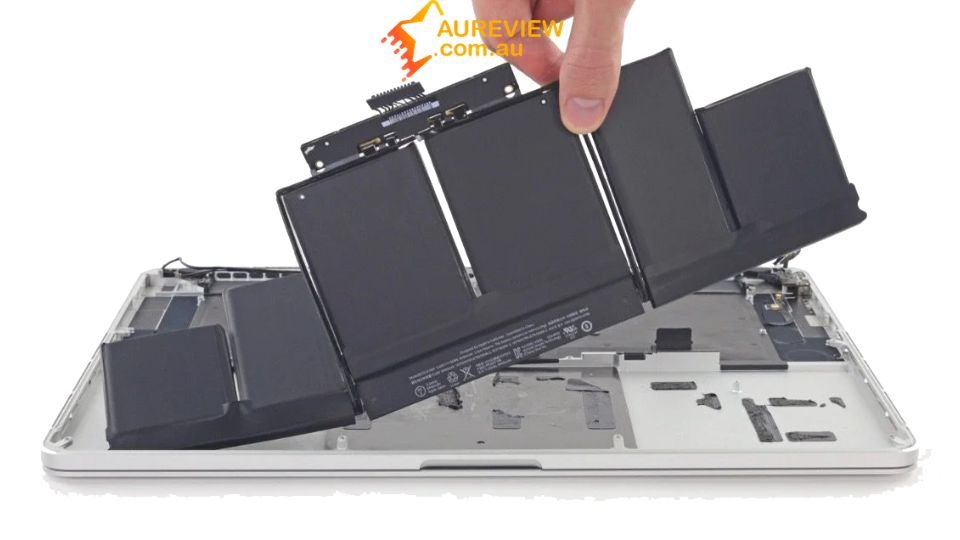
Windows laptop battery variability
Windows laptops offer a wide range of battery performance depending on the brand, processor, and display type. While some premium ultrabooks can match MacBook endurance, many models still struggle to balance power and efficiency, especially in high-performance configurations.

Real world usage comparison
In everyday scenarios like browsing, video streaming, and office work, MacBooks generally last longer and maintain stable performance. Windows laptops, however, can outperform in short bursts of intensive tasks but may require more frequent charging throughout the day.
Price, value and long-term investment
When comparing the MacBook and Windows laptop, it’s important to look beyond the initial price and consider long-term value, durability, and overall return on investment.
|
Criteria |
MacBook |
Windows Laptop |
|
Upfront Cost |
Typically higher starting price, especially for newer models |
Wide price range, from budget to premium options |
|
Value for Money |
Strong optimisation and performance consistency over time |
Better short-term value with more configuration choices |
|
Longevity |
Longer lifespan due to hardware-software integration |
Varies by brand and build quality |
|
Resale Value |
Retains value well in the second-hand market |
Depreciates faster in most cases |
|
Maintenance & Upgrades |
Limited upgradeability, higher repair costs |
Easier to upgrade and repair on many models |
|
Best for Students 2026 |
Ideal for long-term use and stable performance |
Better for tight budgets and flexible needs |
Overall, MacBooks offer better long-term value and resale potential, while Windows laptops provide more accessible pricing and flexibility for different budgets.
Pros and Cons: MacBook vs Windows laptop
To make the right choice, understanding the key advantages and drawbacks of each platform in the MacBook vs Windows laptop comparison is essential.
MacBook advantages:
- High performance efficiency with Apple Silicon
- Outstanding battery life and thermal control
- Premium design with consistent build quality
- Smooth integration within the Apple ecosystem
MacBook limitations:
- Higher initial cost compared to many laptops
- Limited hardware customisation and upgrades
- Fewer options in terms of models and configurations
Windows laptop strengths:
- Wide variety of devices across all price segments
- Strong compatibility with software and games
- Flexible hardware configurations and upgrade options
- Competitive pricing for performance
Windows laptop weaknesses:
- Build quality varies between manufacturers
- Battery life can be inconsistent
- Performance optimisation depends on system setup
Explore premium tech rewards with Cheer
If you’re still undecided after comparing the MacBook vs Windows laptop, there’s a more exciting way to experience cutting-edge technology. Instead of committing upfront, you can explore new opportunities to access high-end devices through interactive platforms.

By joining Cheer, you can start with the Mystery Boxes category and try your luck in the Technology section for a chance to win valuable rewards, including the latest MacBook or powerful Windows laptops. It’s a unique way to discover premium tech while adding a bit of excitement to your journey.
Conclusion
The MacBook vs Windows laptop debate ultimately comes down to personal preference, usage needs, and budget. MacBooks stand out for efficiency and ecosystem integration, while Windows laptops offer versatility and wider choices. At AU Review, choosing the right device means focusing on what best supports your daily work and long-term goals.